
Delta
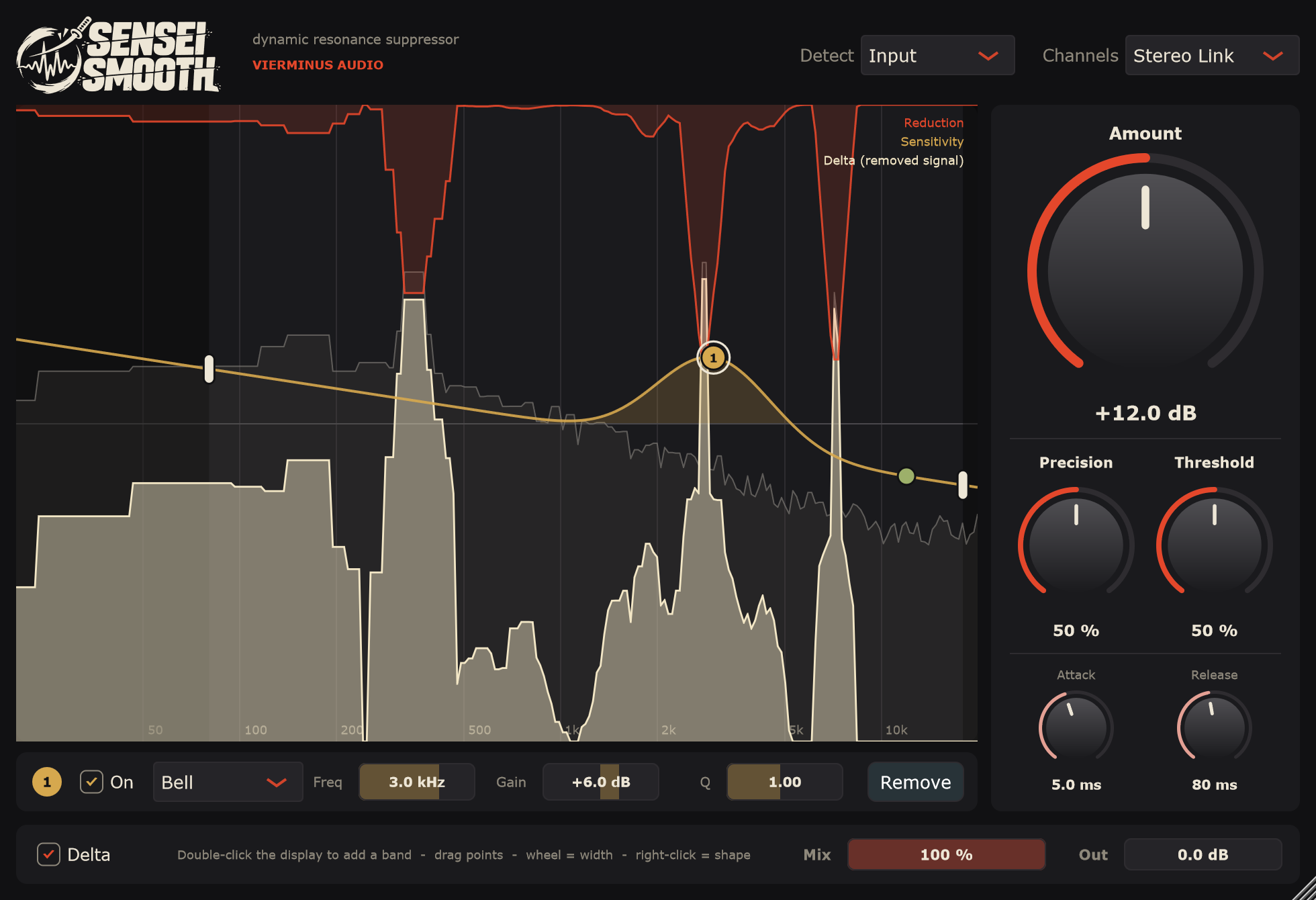
Hear what goes.
Switch on Delta and you hear only the removed signal, and see its spectrum. Whistle and bite in there means you are right on. Music in there means: back off.
vierminus audio · dynamic resonance suppressor
Sensei Smooth listens for the frequencies that ring, whistle and bite, and pulls them down only while they stick out. One clean cut, nothing more. Free and open source.
一Listen
Same loop, twice: once untouched, once through Sensei Smooth. Switch while it plays. Both are level-matched, so louder never fools your ears.
0:00 / 0:10
Press play. The red area is what Sensei Smooth removes.
二The Cut
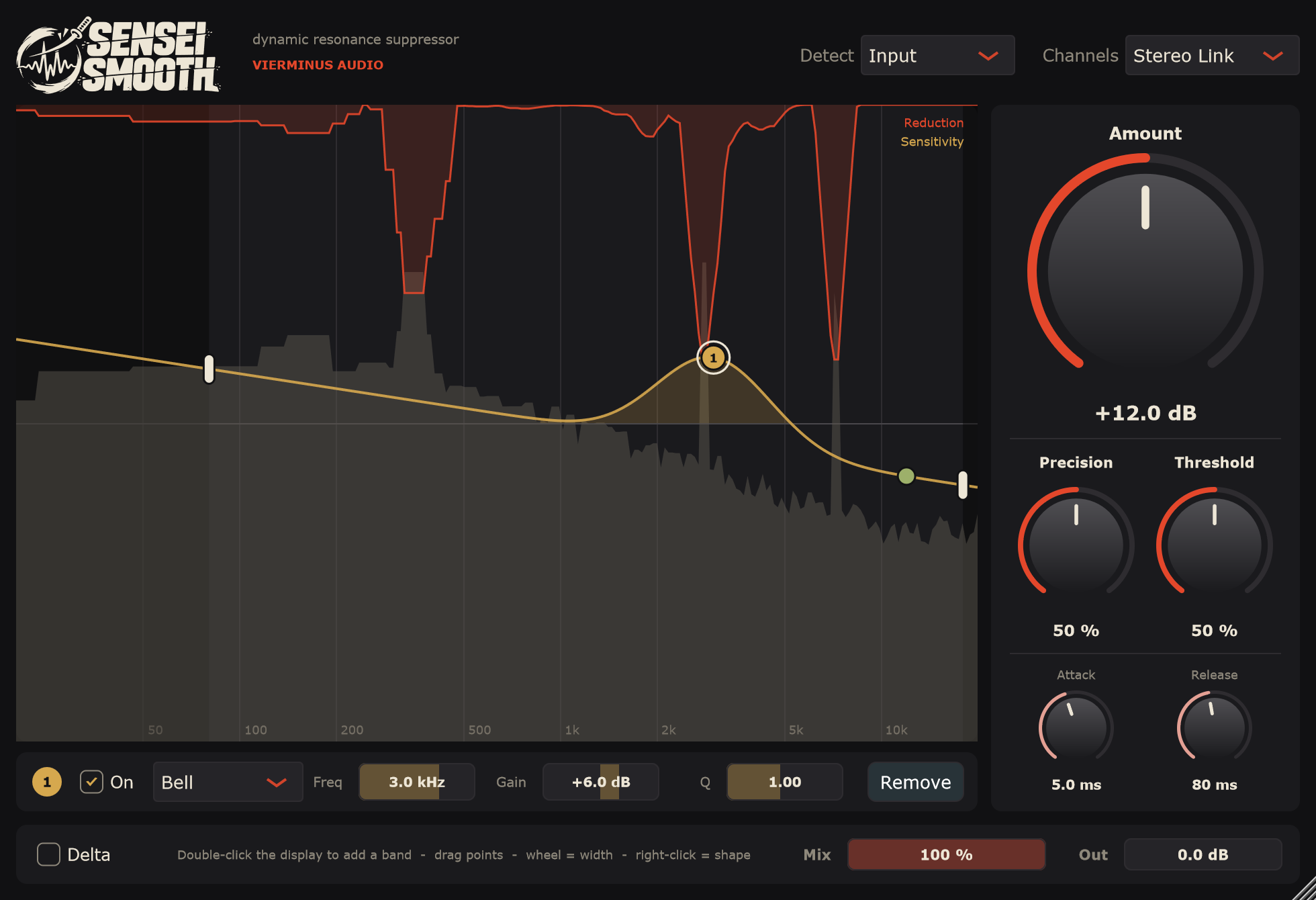
A static EQ cuts all the time, whether the problem is there or not. Sensei Smooth decides again about 94 times per second, for every frequency.
The sound is split into 1,025 frequency bands with overlapping windows, so nothing gets missed between frames.
Every band is measured against its own neighbourhood. Whatever sticks out of that smooth line is a resonance.
Only those bands are pulled down, smoothly, and released the moment they calm down. The rest keeps its energy.
三Interface
 1
2
3
4
5
6
7
四Modes
Delta
Switch on Delta and you hear only the removed signal, and see its spectrum. Whistle and bite in there means you are right on. Music in there means: back off.
Sidechain
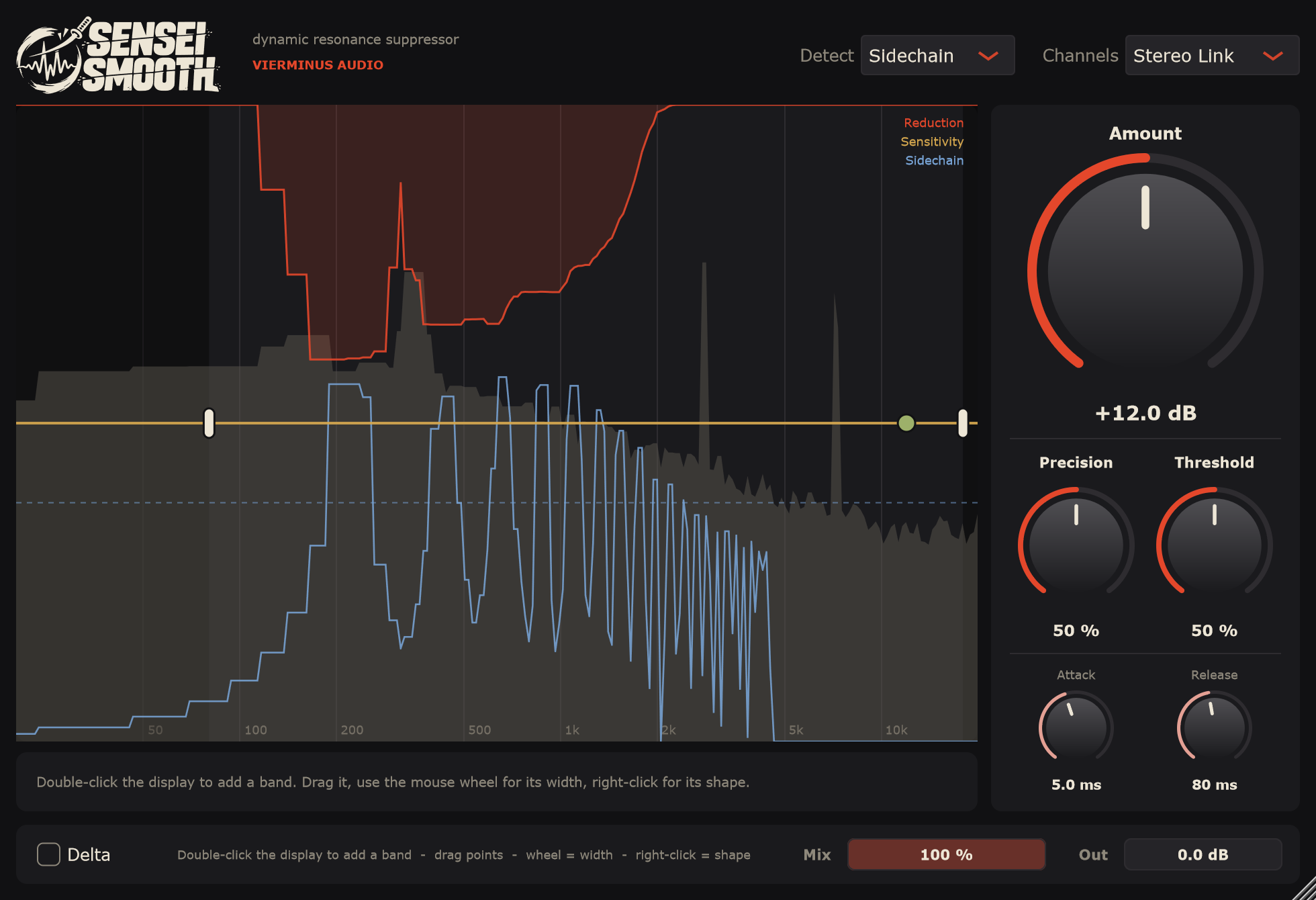
Put Sensei Smooth on the guitar and feed the vocal into the sidechain. The guitar steps aside only in the bands where the vocal lives, and only as far as needed.
Detection
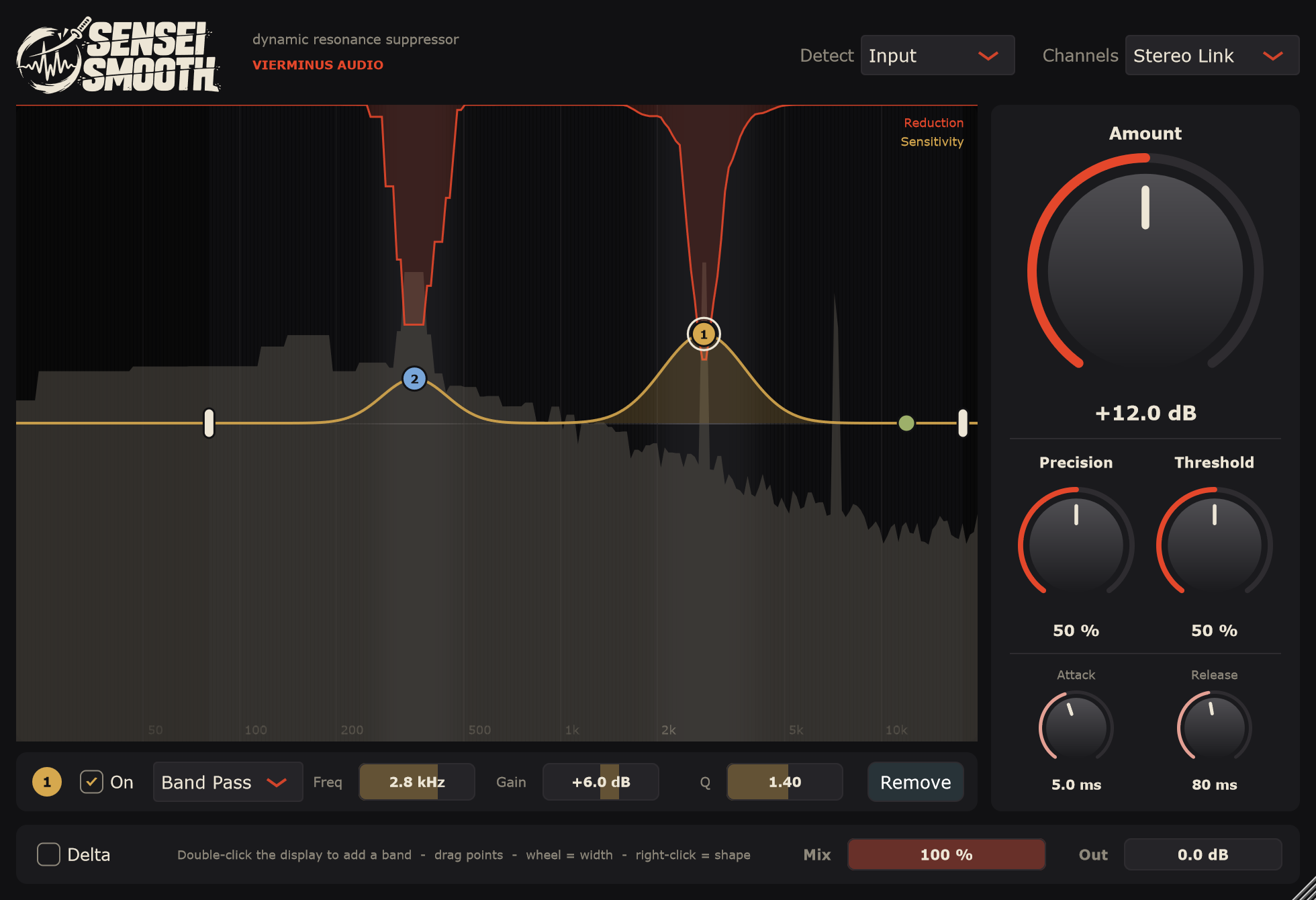
Double-click the display to add up to six bands. Bells and shelves make Sensei Smooth work harder or softer in a range. Band Pass goes further: only those ranges are touched, everything else is left alone.
Drag a band for frequency and gain, mouse wheel for its width, right-click for its shape.
五Specs
六Source
Sensei Smooth is open source under the GNU AGPLv3. Grab a build from the releases, or read, build and change the code yourself.
# build it yourself
cmake -B build -G "Visual Studio 17 2022" -A x64
cmake --build build --config Release